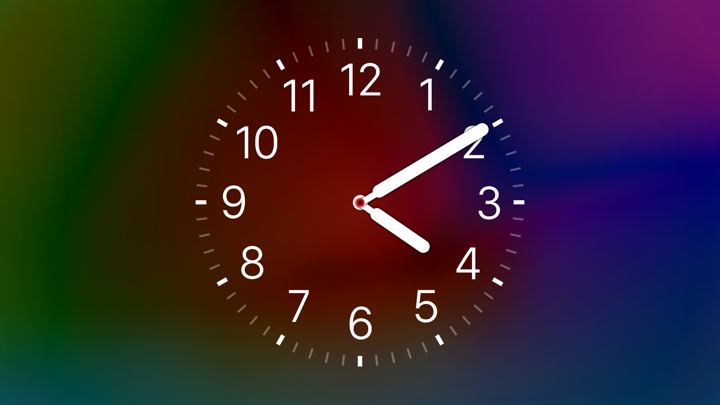
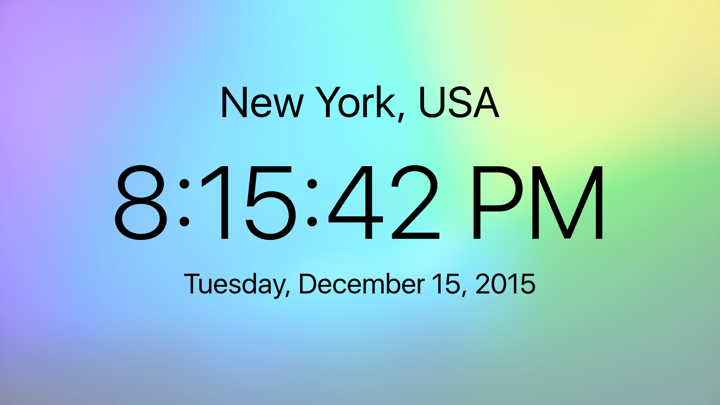


Clock and Timer is a beautiful way to display the local time, digital or analog clock, world times, a timer, or a stopwatch on your Apple TV. Customize your experience by searching for any city around the world, saving up to 9 personal favorite cities, and choosing font colors and awesome backgrounds.
Premium Features (In-App Purchase)
• City Search. Search for any city in the world, and view or save it as a favorite.
• Analog Faces. Choose from 2 beautiful faces that are very accurate.
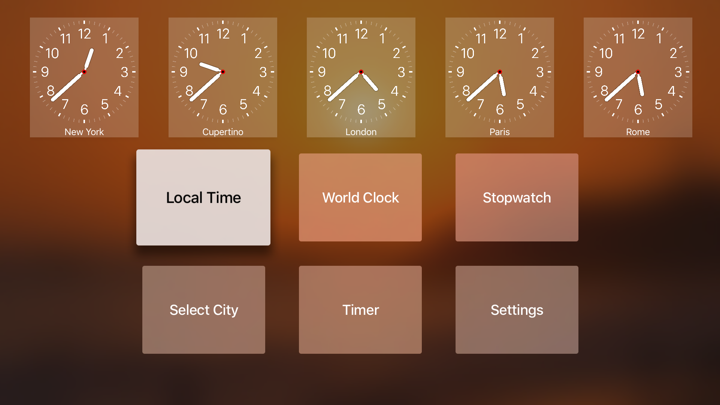
• Favorites. Select or search, then save up to 9 favorite cities. 5 will be displayed on the menu screen, and all 9 will be displayed on the world clock screen.
• Backgrounds. Customize the look of your clock by choosing from a variety of colors and beautiful styles, as well as picking font colors of black, white, red, or gray. Backgrounds will be continually added to the app.
• Font Weight. Pick a font style of your preference, ranging from ultra thin to super thick.
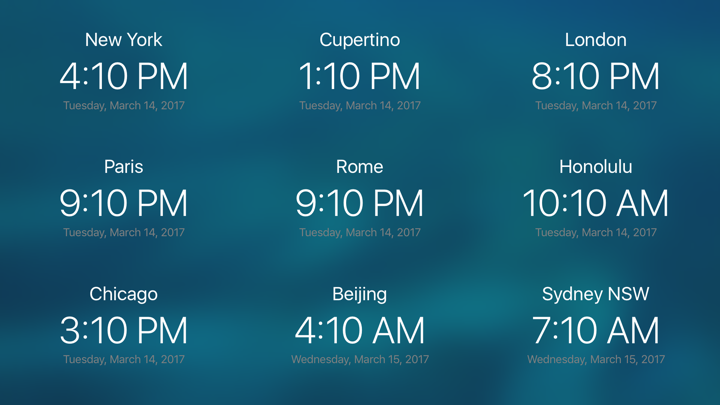
• World Clock. Make the world clock screen yours by selecting your favorite cities and picking a background and font color of choice.
Features:
• Local Time Mode - shows your local time and date full screen. 12hr or 24hr mode.
• World Clock Mode - shows 9 cities around the world and their time and date (shows your favorite cities if premium user)
• Select City Mode - choose one of 60+ cities around the world to display the time and date full screen (search any city available to premium users)
• Timer Mode
◦ Start and End - shows start, end, and current time, and date as well as the countdown. This is ideal for classrooms that want to show the students the time remaining for a test
◦ Full Screen - shows current time and large countdown
• Stopwatch Mode - Full screen
• Settings
◦ 12hr or 24hr
◦ Choice to show or hide seconds
◦ Prevent Sleep so the clock, timer, or stopwatch will stay on screen
◦ Choice to show local on the app's home screen or not.
◦ Choice of which screen the app launches to.
As always, remember to contact me at [email protected] with any feature requests or issues. Simply leaving a bad rating cannot help me fix issues. I take pride in making many of the features of Clock and Timer free so everyone can enjoy it, but please support the development of more free and premium features through the Premium Upgrade.
Complete App Info (JSON Format)
Complete App Info (JSON Format)