

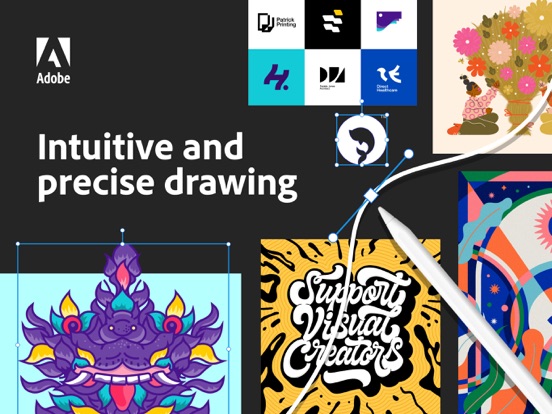



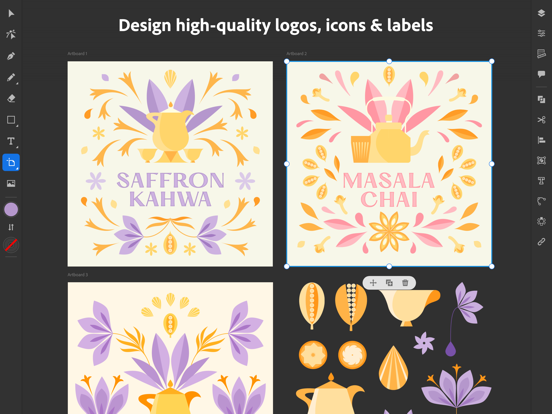
Create logos, illustrations, graphics and more. Illustrator on the iPad works intuitively with your Apple Pencil so you can design on the go from anywhere, even offline - it’s never been easier to take your creativity to new places.
Design with precision, as naturally as you would with pen and paper. Create vector lines, shapes, type, gradients, and effects. Merge or cut graphics with quick, intuitive Pencil gestures to remove unwanted areas. Make your graphics pop with effects, and access over 18,000 fonts, 20+ color palettes, up-to-the-minute live streams from famous creatives, and guided tutorials.
Work on a project across Adobe Illustrator, Photoshop, and Fresco. Plus, your Illustrator work is automatically synced to the cloud, so you and your team can always access the latest version from your desktop or iPad.
This app is part of Adobe Creative Cloud. It’s free for Creative Cloud members who have a plan that includes Illustrator.
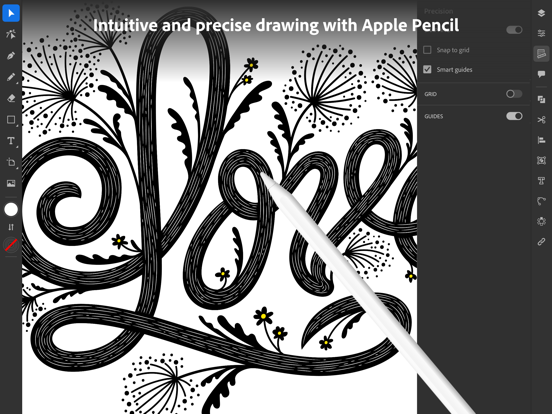
INTUITIVE AND PRECISE DRAWING WITH APPLE PENCIL
• Natural ways to draw — Make lines and curves using the Pen, Pencil, and Brush tools
• Art and Calligraphic Brushes — Create and apply brush strokes to add artistic elements to your artwork.
• Pinpoint editing — Create perfect graphics without quality loss with Smart Delete, Simplify Path, and more
• Point precision — Edit graphics down to the point, radius, or angle level
NEW WAYS TO MAKE STUNNING PATTERNS AND SHAPES
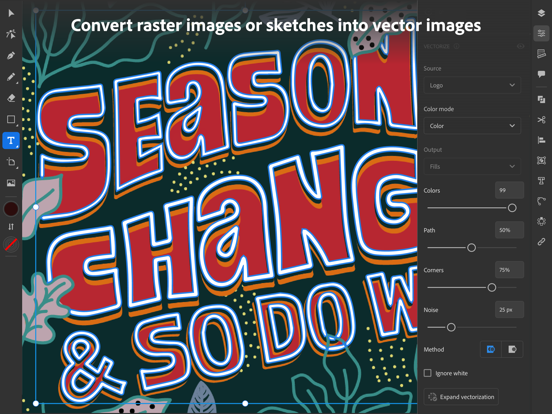
• Vectorize — Convert raster images or paper sketches into vector images.
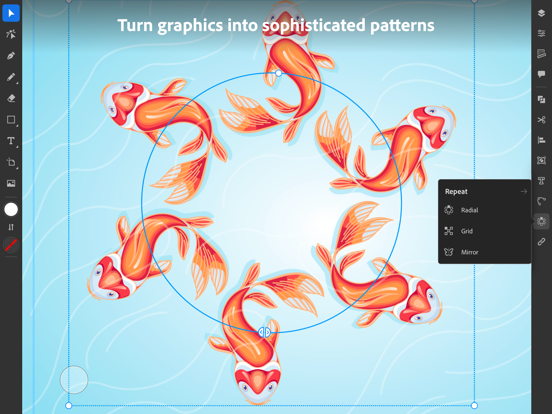
• Radial, grid, and mirror repeat — Turn graphics into sophisticated patterns
• Polygon shape creation — Make objects out of circles, triangles, squares, and stars
• Transform as Shape — Transform paths and curves without manual manipulation of anchor points.
• Blend Tool — Smoothly blend one shape into another across a specified number of steps.
THE MOST COMPREHENSIVE TYPE TOOLKIT FOR IPAD
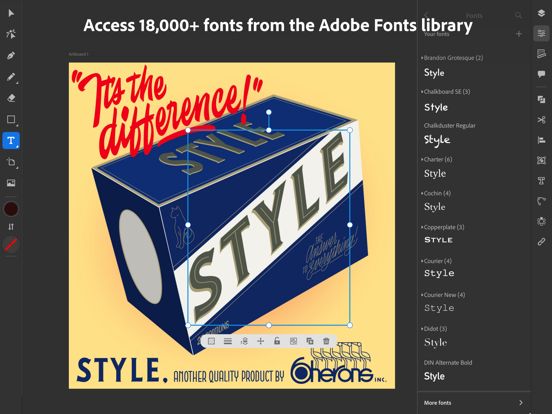
• 18,000+ fonts — Use one of the thousands of high-quality fonts included in the Adobe Fonts library
• Fonts of your own — Upload and design with any of your own licensed fonts and use them on both desktop and iPad
• Type on a path — Bend and flow text onto the surface of lines and shapes
• Outlined text — Turn text into an editable format that can be modified without limits
• Variable fonts — They’re infinitely customizable
• Color fonts — Explore gorgeous color variations and gradients that are built into the font
BRILLIANT COLORS AND GRADIENTS
• Point gradients — Drag and drop colors to create dynamic blends of diffused colors
• 20+ color books — Use industry-standard color swatches or incorporate your own
SEAMLESS MOVEMENT BETWEEN DEVICES AND APPS
• File syncing between Illustrator on the desktop and on the iPad — Projects are automatically synced and accessible across devices
• Photoshop import — Easily place a Photoshop image into your Illustrator design
• Standard file format export — Create, save, and open Illustrator (AI) files with no loss of quality, and export in the most common formats, including SVG, PDF, PNG, and PSD.
KEEPING TABS ON THE LATEST CREATIVE TRENDS
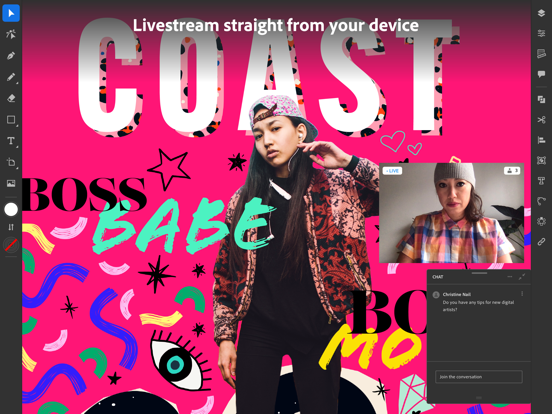
• Livestreaming — Watch and learn from top design-industry creatives daily, right within the app
• Trends to discover — Explore projects by other creatives
Terms & Conditions:
Your use of this application is governed by the Adobe General Terms of Use http://www.adobe.com/go/terms_linkfree_en and the Adobe Privacy Policy http://www.adobe.com/go/privacy_policy_linkfree_en
Do Not Sell My Personal Information: www.adobe.com/go/ca-rights-linkfree
Improvements include enhancements to experience, stability, and bug fixes.
Notas de LançamentoInformações Completas do Aplicativo (Formato JSON)
Informações Completas do Aplicativo (Formato JSON)