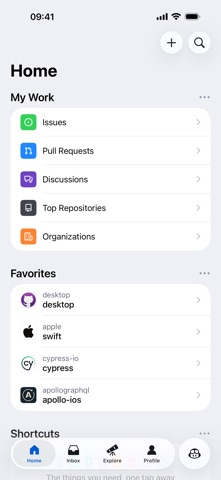
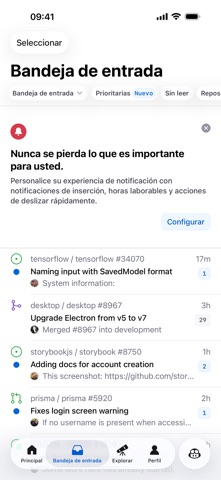
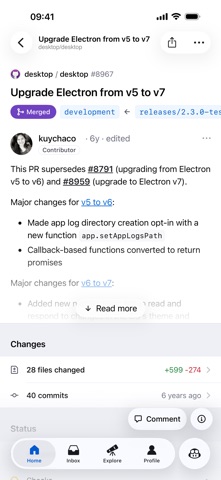


There’s a lot you can do on GitHub that doesn’t require a complex development environment – like sharing feedback on a design discussion, or reviewing a few lines of code. GitHub for iOS lets you move work forward wherever you are. Stay in touch with your team, triage issues, and even merge, right from the app. We’re making these tasks easy for you to perform, no matter where you work, with a beautifully native experience.
You can use GitHub for iOS to:
• Browse your latest notifications
• Read, react, and reply to Issues and Pull Requests
• Review and merge Pull Requests
• Organize Issues with labels, assignees, projects, and more
• Browse your files and code
• Discover new and trending repositories
———
Terms of Service: https://docs.github.com/en/github/site-policy/github-terms-of-service
Privacy Policy: https://docs.github.com/en/github/site-policy/github-privacy-statement
Bug fixes:
- Pull requests that are behind their base branch show the Update branch button, even while waiting on a required review.
完整应用信息 (JSON 格式)
完整应用信息 (JSON 格式)